
Yealink Brand & Model Guide
Identify Yealink device categories, compare an exact desk-phone or meeting offer, and keep deployment claims separate from product identity.
AI-assisted source check; independent human expert review not recorded. Research methodology
Yealink describes itself as a unified communication and collaboration company focused on video conferencing, voice communications and collaboration. Its company profile identifies 2001 as its establishment year and describes its stock code. For an offer review, those corporate details do not answer whether a particular desk phone has the required platform edition, firmware, power method, country support or management compatibility. Start with the exact model and deployment requirement.

Separate the device from the deployment claim
Yealink’s product navigation includes IP phones, video conferencing devices, headsets, USB cameras, management platforms and Microsoft/Zoom devices. A device’s physical form is therefore not enough to identify the software or service role implied by a listing. “Teams phone,” “Zoom phone,” “SIP phone,” “Wi‑Fi,” “PoE,” “certified,” and “works with” are claims with separate scopes.
Record the full model string, stated edition, required call platform, intended country, power method, required network features and management requirement. If an offer says a desk phone is for a particular platform, ask for the manufacturer product page or supported deployment document for that exact model. Do not infer it from a similar-looking handset.
| Question | Evidence to request | Why it matters |
|---|---|---|
| Exact device | Model string and manufacturer datasheet | Similar families have different options |
| Power | PoE class or PSU specification | Installation may require a compatible switch or adapter |
| Service | Named platform edition or SIP deployment | Hardware identity does not settle platform readiness |
| Network | Ethernet, Wi‑Fi, VLAN or security requirements | A port list is not a deployment design |
| Management | Provisioning or management documentation | Required controls differ by environment |
Use a model-specific datasheet
The SIP‑T54W datasheet is a useful example of why a specific document matters. It describes functions including accounts, network features, Wi‑Fi, Bluetooth and stated PoE consumption for that model. It also lists package contents and says an external power adapter is optional. Those details can guide a comparison, but they do not prove that a particular reseller’s package includes the adapter, that a particular switch budget is sufficient for a whole installation, or that the device is approved by your service provider.
Keep the document version, access date and quoted model together. For a deployment decision, have the relevant network or platform administrator confirm requirements. This guide offers a research process rather than network-design advice.

A controlled comparison example
Imagine an office needs several desk devices. One offer names a Yealink model and says “PoE included”; another uses a family name and says “Teams-ready.” The first phrase may mean the device supports Power over Ethernet, not that a PoE switch or injector is in the carton. The second needs model-specific platform documentation. The correct next step is to obtain the model code, product edition, power arrangement and current manufacturer source—not to select the one with the shorter marketing label.
Use the Networking and Communications category to define the environment: wired ports, power, call platform, security and management. Cisco notes that switches, routers and access points play distinct network roles; that distinction applies when planning the surrounding infrastructure. A phone’s support for a feature does not replace the network component or policy that provides it.
Packaging, version and lifecycle questions
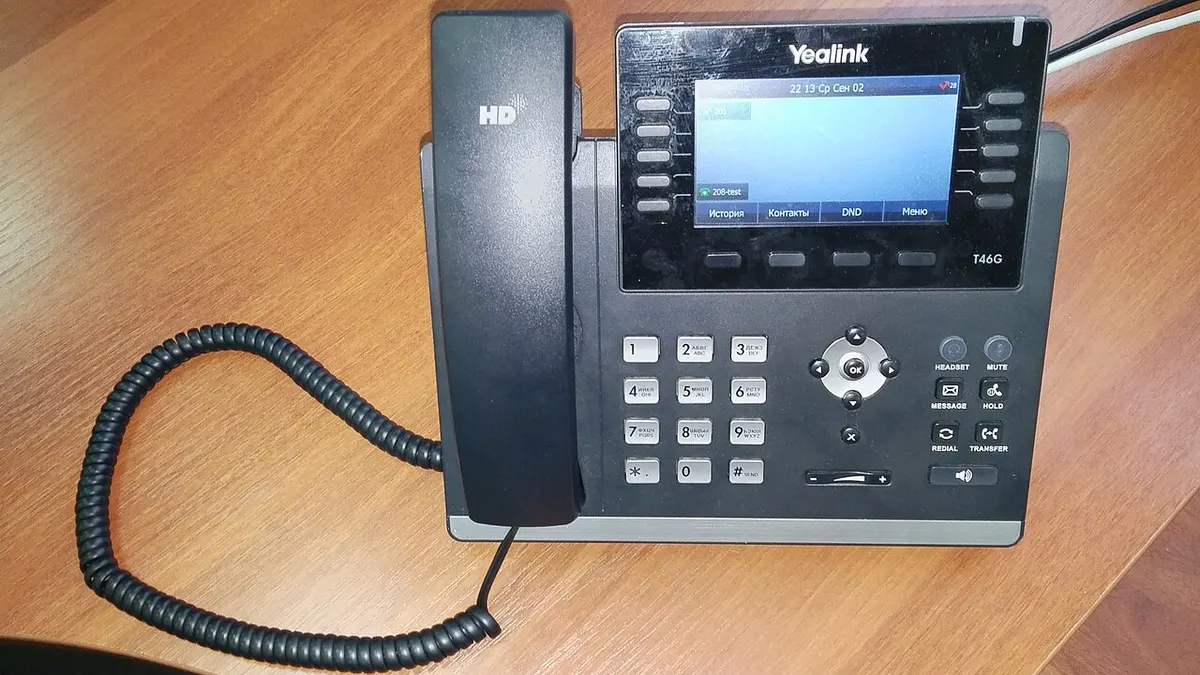
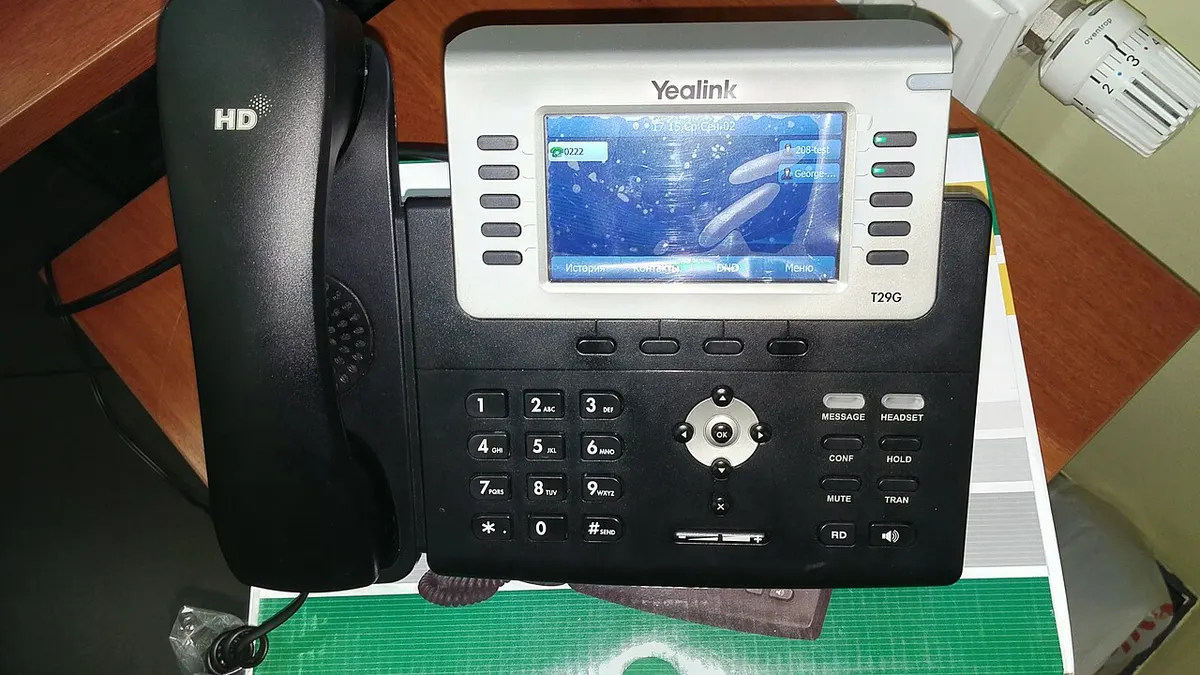
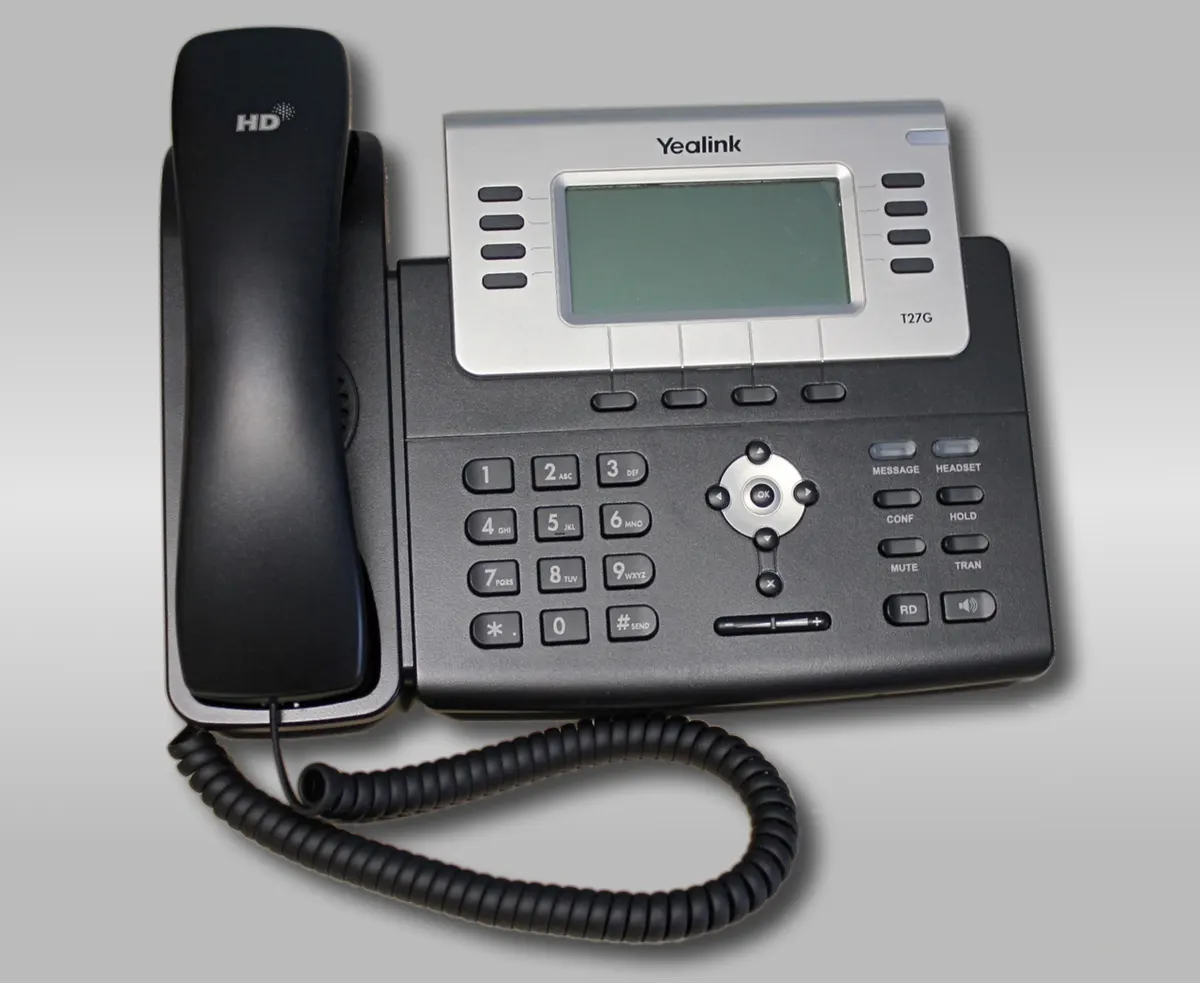
Before a first order, clarify whether the quote covers new stock, refurbished stock, a regional model, a particular firmware state or a device already configured for another organization. Preserve the seller’s answer and do not use an old product photograph as proof of current condition. The three Yealink photos on this page are openly licensed reference images of earlier desk-phone models; they are neither a current stock catalogue nor an ElectronicSeek inspection.
If an item will be centrally provisioned, record who is responsible for resetting, licensing, configuring and supporting it. Those services can be separate from the device sale. A model datasheet can show that a technology exists; it does not establish a seller’s right to provide a service or a buyer’s entitlement to a platform licence.

Supplier evidence remains separate
Once the product record is clear, evaluate the seller’s business evidence. Distributor vs Wholesaler vs Reseller clarifies why a channel title does not automatically establish authorization or fulfilment responsibility. Use the supplier verification worksheet to keep the legal entity, offer, model evidence, payment destination and remedy terms visible.
For delivery, follow the first-order checklist and compare the received labels and accessories to the agreed record. Do not post serial numbers or configuration files in an open worksheet. If a material difference appears, record it as an exception and determine the appropriate next step with the actual counterparty.
Scope and limits
ElectronicSeek does not operate, test or certify Yealink equipment, call platforms or networks. It does not confirm inventory, reseller authorization or compatibility with a particular organization. This guide is a source-linked method for narrowing those questions. Read the specification comparison guide and editorial methodology before relying on a particular claim.
Use this brand profile as a research record
A brand profile is a map of questions, not a certification of every product sold under a familiar name. Start by separating what the company’s official material says from what an offer says. Corporate history and product-category pages can establish useful context. They usually cannot identify the configuration in a seller’s carton, confirm the seller’s commercial relationship, or promise service in the buyer’s country. Keep those claims in different columns of your notes.
For a specific product, make a dated record of the listed product name, model number, claimed market, capacity or configuration, condition, included accessories and supplier identity. Attach the manufacturer document that supports the product fact and the offer document that supports the transaction fact. When the two documents describe different versions, do not harmonize them by guesswork. Record the mismatch, state who needs to answer it, and defer a conclusion until the relevant evidence arrives.
Minimum evidence before comparing offers
- An exact product or model reference, not only a product family name.
- A current manufacturer, support or compliance source that addresses the required feature.
- A stated market or destination where regional behaviour matters.
- A written seller offer identifying condition, quantity and included items.
- A separate record of the entity invoicing, receiving payment and handling a remedy.
This structure is deliberately conservative. It avoids turning a widely recognized brand into an unsupported answer about an individual item. It also makes a later correction easier: another reader can see which source was used, what it supported and what remained unknown. When a source changes, revisit the affected conclusion rather than merely changing the page date.
When the records conflict
Do not decide that one record wins because it has a more attractive product photo, a lower price or a longer description. Compare the exact product identifier, publisher, date, stated market and the question each document is able to answer. A manufacturer support page may be the strongest source for a device procedure, while the seller’s written offer is the relevant source for its promised condition and quantity. They describe different facts. A conflict can sometimes be explained by a regional variant, an old document or a listing error, but it should remain a recorded conflict until evidence resolves it.
Save a copy or link to material that directly affected a decision, together with the access date. If a commercial document contains confidential details, retain it in the buyer’s own controlled records rather than uploading it to a public service. This publication has no document-submission or purchase-order facility. Where the stakes of a decision are high, use the responsible manufacturer, counterparty, carrier, provider or qualified adviser for the final confirmation.
Continue upward to Brands to choose another record, or use the linked category and sourcing guides to move from product identity to an actual offer. Do not publish private unit identifiers, invoices, payment details or configuration files in a shared research record.