
Anker Brand Guide: Product Codes
Identify Anker’s current unified product categories, read product model codes carefully, and verify an exact charging or accessory offer.
AI-assisted source check; independent human expert review not recorded. Research methodology
Anker is the unified consumer brand of Anker Innovations according to the company’s September 2026 IFA page. That page describes five current product categories: Anker Charging, Anker SOLIX, Anker eufy, Anker soundcore and Anker eufyMake. This current structure matters because older listings, packaging and reviews can use previous brand labels. An old label does not, by itself, prove a listing is counterfeit or current; it tells you to identify the actual product, date and documentation before comparing it.

Separate category, product name and model number
Anker’s current category label identifies a broad area. A product name can identify a retail line. A model number identifies a more specific product reference. Those are not interchangeable. Anker’s 2025 recall page, for example, tells owners to check a model number printed on the bottom or side of a power bank and lists affected numbers such as A1257. That shows why a product’s trade name and a model number should be recorded separately.
The same recall page asks for serial-number or proof-of-purchase information after the model check. A serial number identifies a unit, not a general product category. Keep it private. The ability to read a model number does not establish eligibility for a recall, warranty, return or service in your country; use the relevant official programme and its stated conditions.
| Evidence item | What to record | What to avoid assuming |
|---|---|---|
| Category label | Charging, energy, smart home, audio/video or creative tools | Every item in a category has the same functions |
| Retail product name | Exact punctuation and generation wording | The name uniquely identifies hardware |
| Model number | Code printed on the item or official page | It confirms a seller’s authorization |
| Serial number | Private unit record | It should be shared in a public request |
| Power label | Input/output values and ports | A connector shape guarantees a charging rate |
Read USB-C claims as capabilities, not shapes
The USB-IF’s Type-C language guidelines distinguish the connector from the functions a product supports. A USB-C port alone does not state the power available, data speed, display capability, cable suitability or device compatibility. When reviewing a charging or docking offer, write down the source device, intended devices, port count, required power at the same time, included cable, regional mains plug and any charging protocol claim.
Do not infer a maximum output from a product’s family name, colour or a photo. Ask for the exact model number and official product documentation. Anker’s own support page for power strips shows model numbers beside product names and port/outlet configurations; that is a useful example of matching a specific code to a specific configuration.

A practical offer worksheet
For an illustrative offer described as “Anker 100W USB-C charger, global,” first ask which model number, plug version, included cable and port-sharing behaviour are claimed. Then find the relevant manufacturer record. A product may provide different output allocation depending on the number of connected devices; a headline wattage alone is not a complete use-case answer. Record unknowns rather than forcing a yes/no conclusion.
The Charging and Power category provides the surrounding product-research steps. The specification comparison worksheet can hold the claimed value, official source, test condition if supplied, and unresolved action. It is a static template, not a calculator or compatibility engine.
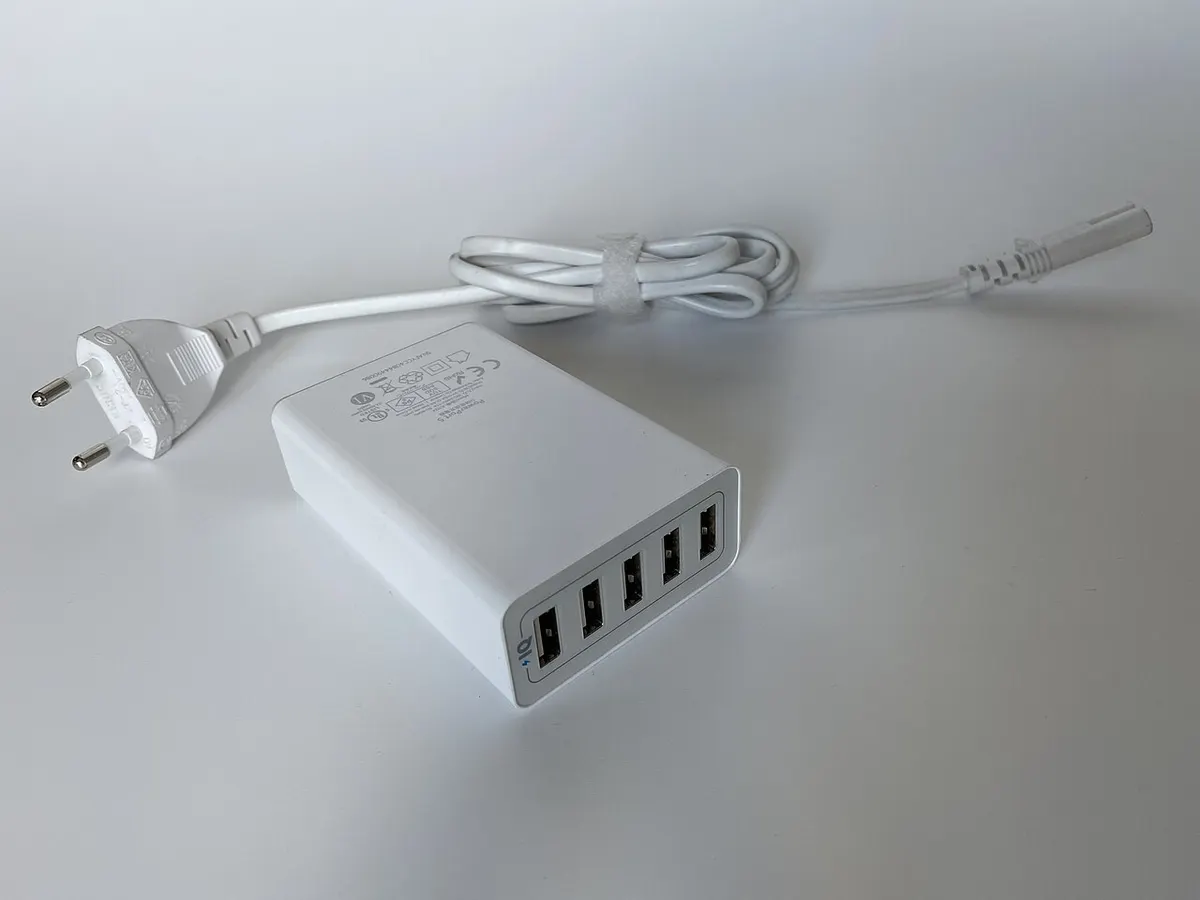
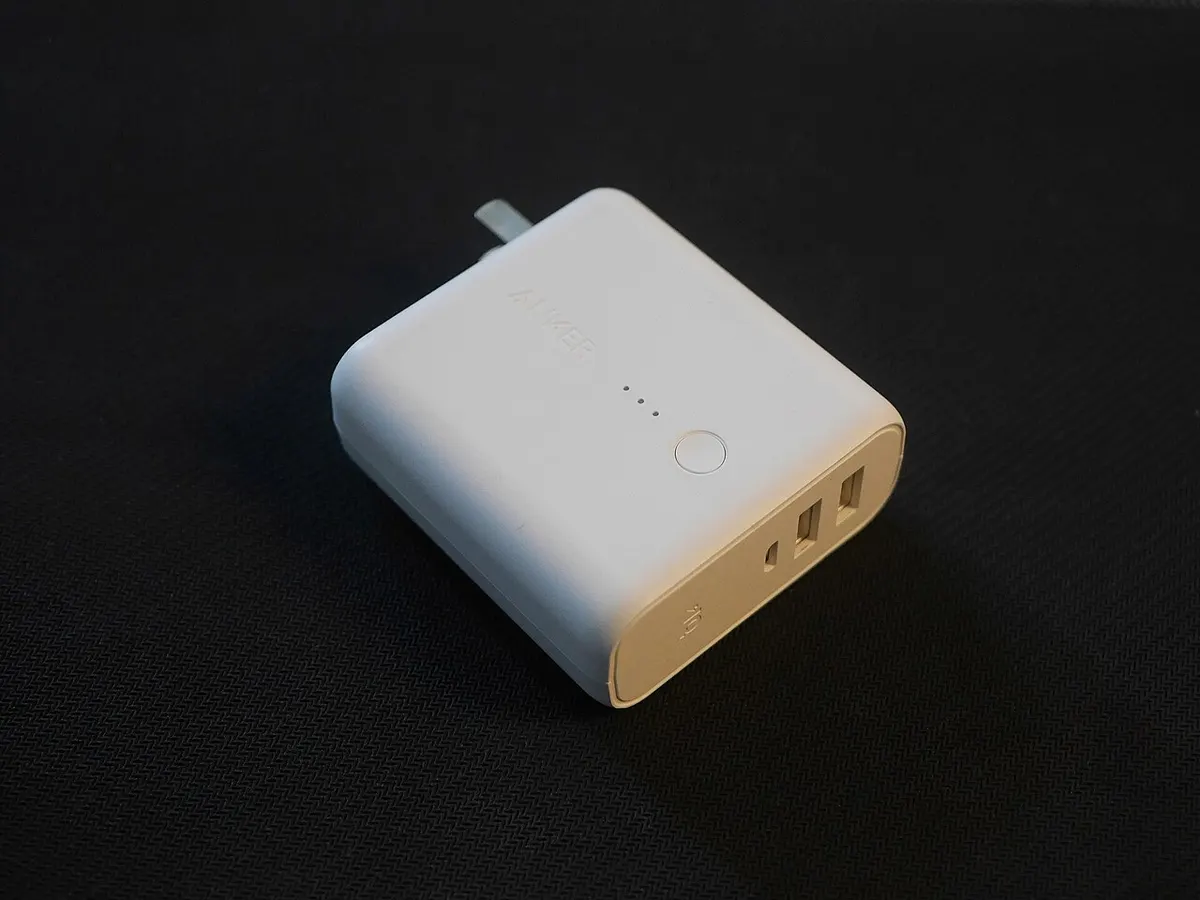
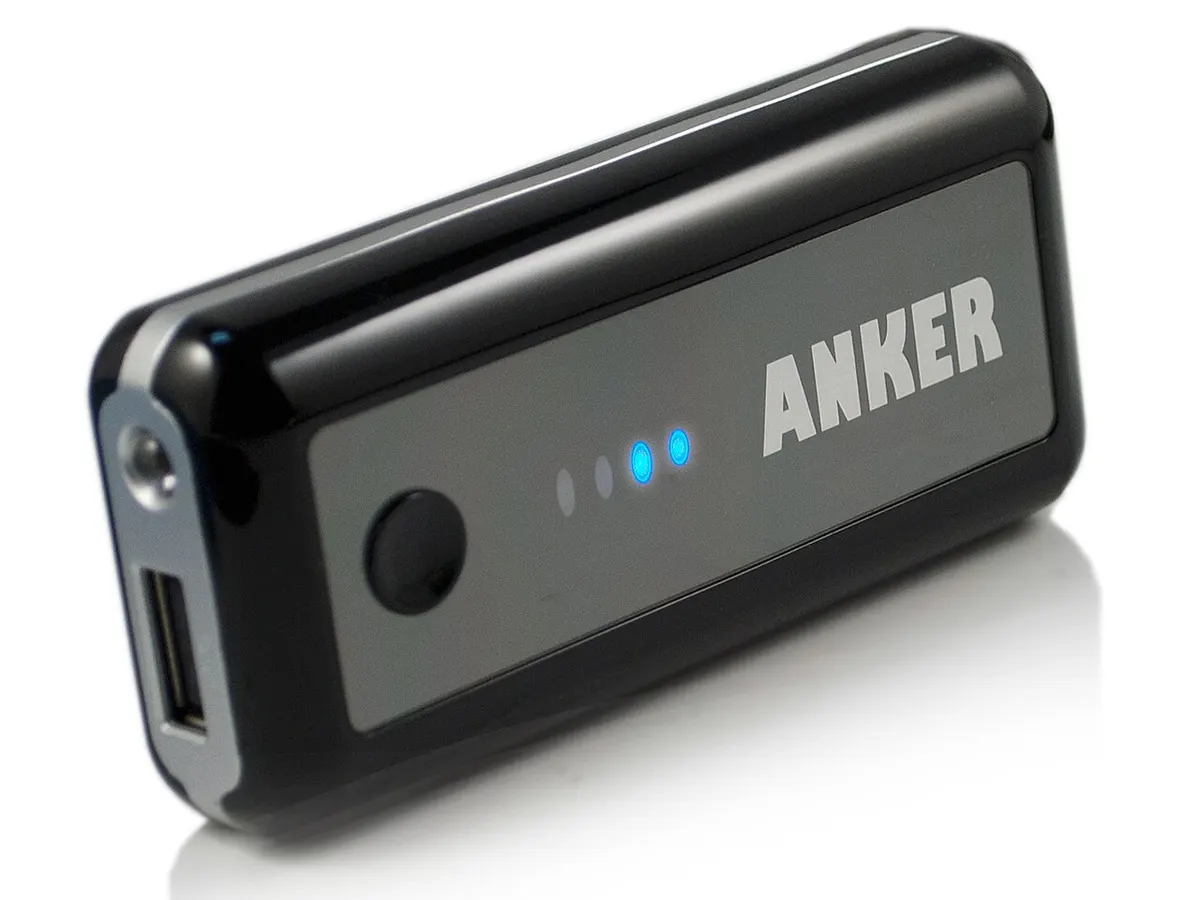
The sample photos here show older, openly licensed Anker products. They are useful as real-object references but are not current catalogue images, evidence of safety status, or proof that any current offer matches them. Never use an old photo to infer the ports or label of a newer product.
Check safety and recall information in context
For a battery product, a recall notice is unusually specific: it has a defined model list, serial or purchase process, market scope and programme dates. Do not extrapolate from an affected item to every Anker product, and do not treat a general search result as a recall check. Locate the current official programme for the exact model and destination.
Also distinguish a product’s compliance mark or stated certification from the seller’s fulfillment claim. The former may support information about a product document; the latter requires evidence about the named business and its transaction. Distributor vs Wholesaler vs Reseller explains these roles, while supplier verification supports a first-order evidence record.

Product codes help locate documentation; they do not decode everything
Anker product codes often begin with a letter and number sequence, but this guide does not claim a universal public formula for decoding them. The safe use is practical: retain the code exactly, search official support, recall or product material for that code, and compare the resulting document with the offer. A code found on a seller listing but not on the item or official record should be treated as an unresolved claim.
For an individual unit, match the printed model number, the product description, essential physical ports and supplied accessories before considering other claims. Check the applicable manual and destination-market support material rather than depending on a third-party retail title. A mismatch can be a listing error, a regional variant or something else; do not diagnose it from the name alone.
Scope and next steps
This profile does not rate chargers, test electrical safety, verify sellers or state that a device is compatible with your phone or laptop. It explains an evidence workflow. Use Anker Product Codes Explained for the fuller identification guide, Charging and Power for category questions and the editorial methodology for source and review limits. The three images are attributed reference photographs and not product endorsements.
Use this brand profile as a research record
A brand profile is a map of questions, not a certification of every product sold under a familiar name. Start by separating what the company’s official material says from what an offer says. Corporate history and product-category pages can establish useful context. They usually cannot identify the configuration in a seller’s carton, confirm the seller’s commercial relationship, or promise service in the buyer’s country. Keep those claims in different columns of your notes.
For a specific product, make a dated record of the listed product name, model number, claimed market, capacity or configuration, condition, included accessories and supplier identity. Attach the manufacturer document that supports the product fact and the offer document that supports the transaction fact. When the two documents describe different versions, do not harmonize them by guesswork. Record the mismatch, state who needs to answer it, and defer a conclusion until the relevant evidence arrives.
Minimum evidence before comparing offers
- An exact product or model reference, not only a product family name.
- A current manufacturer, support or compliance source that addresses the required feature.
- A stated market or destination where regional behaviour matters.
- A written seller offer identifying condition, quantity and included items.
- A separate record of the entity invoicing, receiving payment and handling a remedy.
This structure is deliberately conservative. It avoids turning a widely recognized brand into an unsupported answer about an individual item. It also makes a later correction easier: another reader can see which source was used, what it supported and what remained unknown. When a source changes, revisit the affected conclusion rather than merely changing the page date.
When the records conflict
Do not decide that one record wins because it has a more attractive product photo, a lower price or a longer description. Compare the exact product identifier, publisher, date, stated market and the question each document is able to answer. A manufacturer support page may be the strongest source for a device procedure, while the seller’s written offer is the relevant source for its promised condition and quantity. They describe different facts. A conflict can sometimes be explained by a regional variant, an old document or a listing error, but it should remain a recorded conflict until evidence resolves it.
Save a copy or link to material that directly affected a decision, together with the access date. If a commercial document contains confidential details, retain it in the buyer’s own controlled records rather than uploading it to a public service. This publication has no document-submission or purchase-order facility. Where the stakes of a decision are high, use the responsible manufacturer, counterparty, carrier, provider or qualified adviser for the final confirmation.
Continue upward to Brands to choose another record, or use the linked category and sourcing guides to move from product identity to an actual offer. Do not publish private unit identifiers, invoices, payment details or configuration files in a shared research record.