
Charging and Power Verification Guide
Compare chargers, power banks, cables and power products by exact model, electrical claim, included hardware and documented use conditions.
AI-assisted source check; independent human expert review not recorded. Research methodology
Charging and power products should be compared as documented configurations, not as a connector shape or a single headline wattage. A USB-C port is a physical connector; the USB-IF’s language guidance cautions that USB Type-C alone does not communicate all capabilities. The product, source device, cable, number of connected devices and operating conditions all affect the useful answer.

Write the complete requirement
Record the device or devices to be powered, required ports, intended simultaneous load, travel or fixed-location use, mains plug and the actual cable arrangement. If charging a laptop and phone at once matters, say so. If a power bank’s transport or recall status matters, say so. A generic “fast charger” request is not enough to compare safely.
Then retain the product name, printed model number, claimed input/output ratings, port layout, included cable and source for each claim. Anker’s own support material lists product model numbers next to named power-strip configurations, which demonstrates why both fields matter. Product family names can include several port and output arrangements.
Check claims under their conditions
Ask whether a stated maximum applies to one port or a shared total, whether it requires a particular protocol, and whether the cited device/cable supports that condition. Keep “not confirmed” when the source does not answer. A cable may fit a port but not deliver the capability assumed from the product title.
| Item | Capture | Do not infer |
|---|---|---|
| Charger | Model, inputs, ports, allocation conditions | All ports provide the headline maximum |
| Cable | Connector ends, stated capability, length | Any USB-C cable behaves identically |
| Power bank | Model, capacity claim, output and programme status | A familiar brand means a current safe configuration |
| Plug/strip | Market plug, outlets and ports | A photo proves local electrical suitability |

Safety notices are model-specific
Anker’s global recall page names particular affected model numbers and gives a process for serial or proof-of-purchase checks. A recall notice should be read for the exact model and destination, not generalized to every product from a company. Conversely, a product not named on an old search result is not automatically cleared for every programme or region.
For a real item, use the current official programme, retain the model label and follow its stated instructions. Do not post a serial number publicly. A photograph in an offer cannot replace the model and serial checks requested by the programme.
Join product comparison to purchasing evidence
The Anker brand guide and product-code guide provide a brand-specific example. The specification worksheet can keep the product claim, source and unresolved action aligned. If multiple options are suitable, the total-cost guide explains how to make assumptions visible rather than comparing only unit price.

Scope and limits
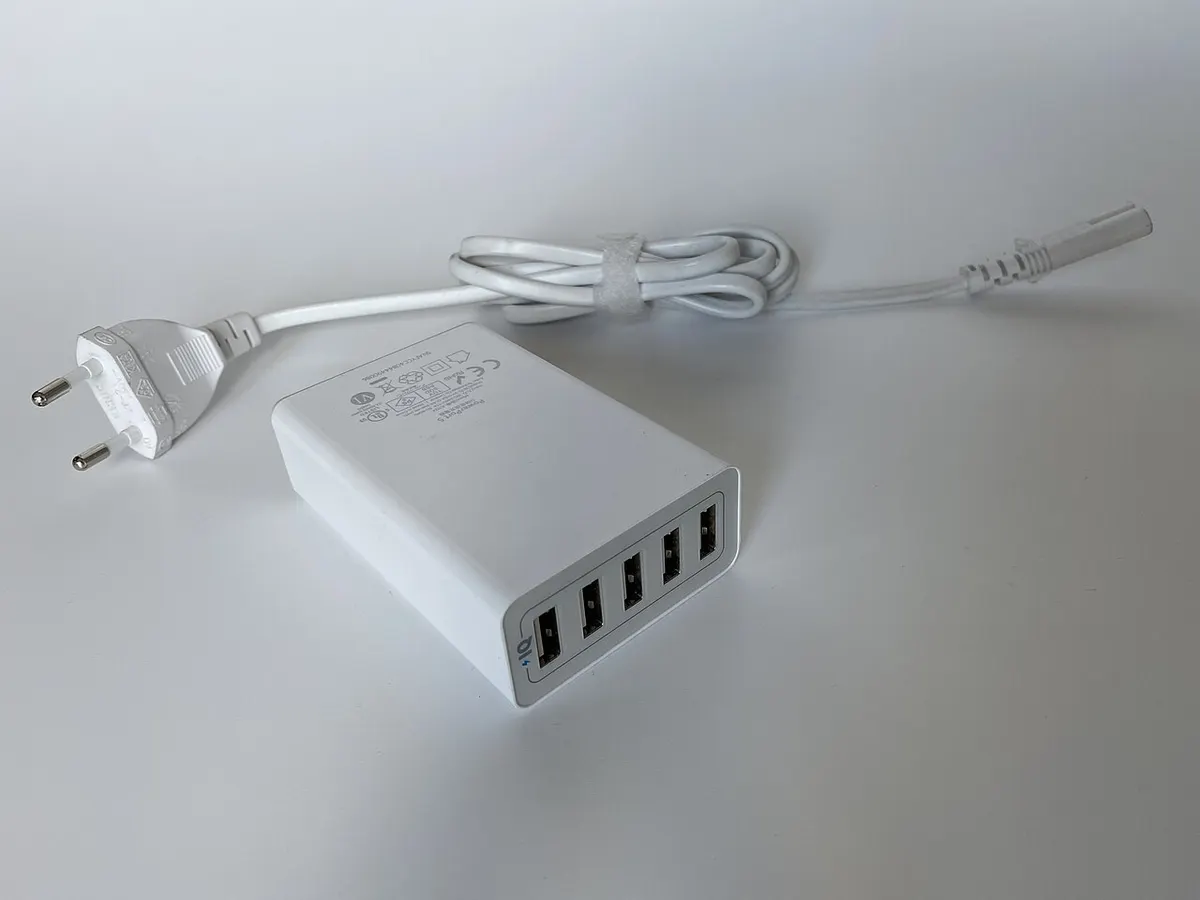
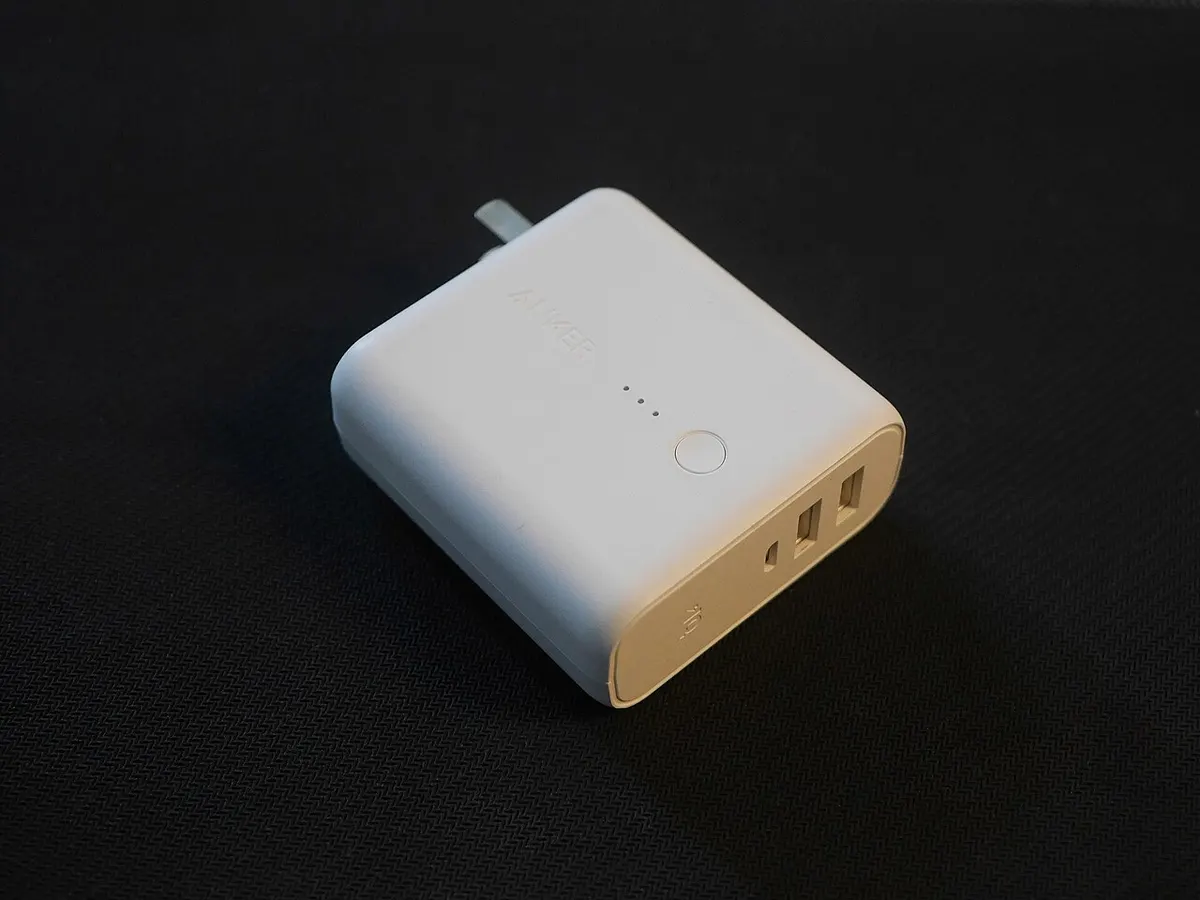
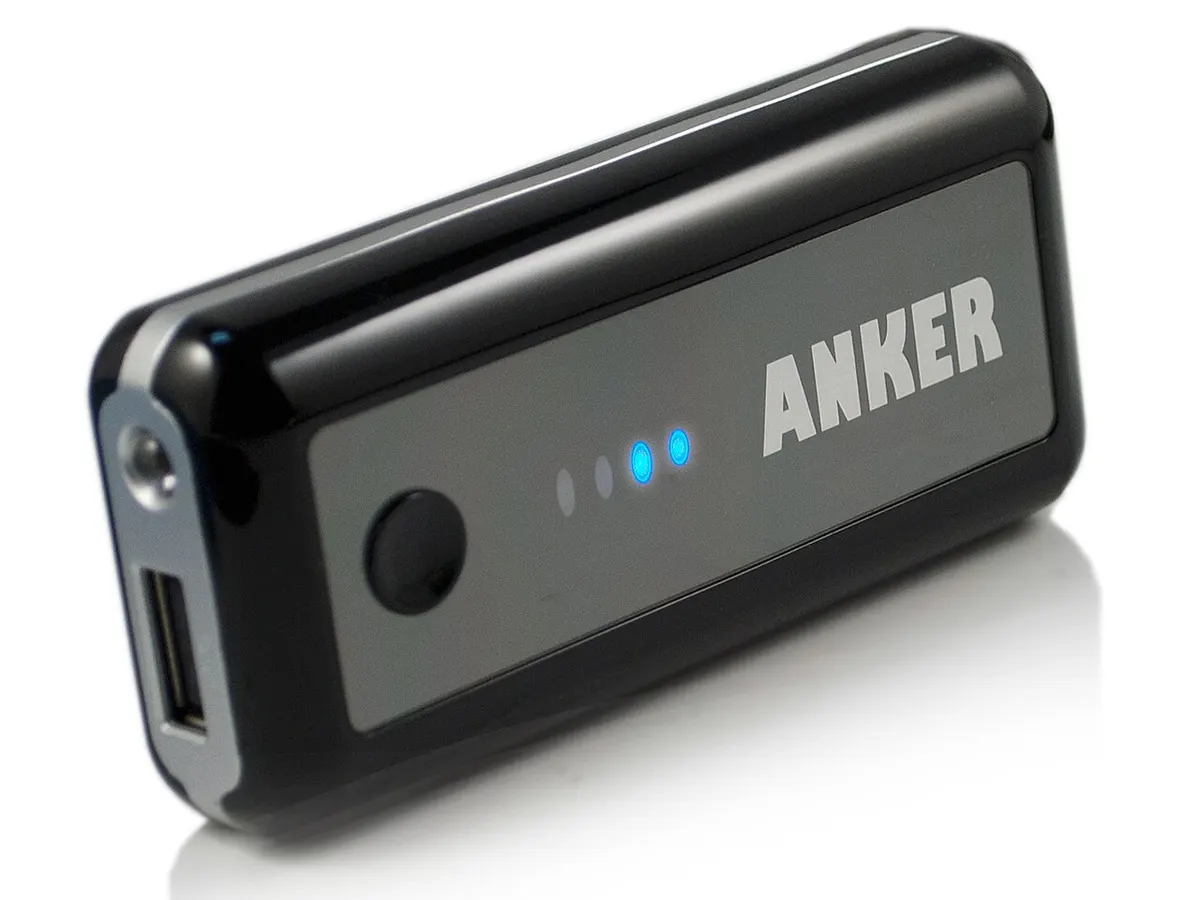
The photos are openly licensed reference images of older Anker products. They are not evidence about electrical safety, current specifications, shipment eligibility or product compatibility. ElectronicSeek does not test charging equipment or provide electrical, transport or legal advice. Use the manufacturer’s documentation for an exact model and seek qualified assistance where the application requires it.
Build a category brief before reading product listings
Category pages are designed to reduce the first ambiguity: what kind of product and deployment is actually required? A category title should not become a substitute for an exact model, use condition or market. Write a short brief in your own words before comparing brand pages. Include the task to be performed, the environment, the non-negotiable requirements, the evidence you will accept and the questions that remain undecided.
Next, turn each candidate listing into a comparable record. Preserve its original wording, then attach the exact manufacturer source used for each material claim. A seller title might be useful for locating a product, but it does not establish a regional configuration, package content, compatibility or post-sale responsibility. Mark a cell as unresolved if the evidence does not address the same model and market.
Keep these questions distinct
- Identity: What exact device, accessory or network component is described?
- Capability: Does cited documentation support the required use under stated conditions?
- Deployment: What surrounding equipment, provider or administrator requirement must be confirmed?
- Transaction: Which business offers the item, and what delivery or remedy terms apply?
- Receipt: Which observations will verify that the delivered goods match the agreement?
A complete category brief does not need to list every feature. It needs to make the decision-critical features and uncertainties visible. Move to a linked brand page only after the category task is clear, and move to the sourcing guides only after you have a candidate offer. This avoids treating a manufacturer catalogue, a product photograph or a quotation as a complete answer.
Review the comparison before a decision
Read each row from left to right: requirement, candidate claim, evidence, limitation and next action. A comparison becomes fragile when it contains a precise conclusion but no link to the model or condition that supports it. Reopen a row when the quantity, destination, product configuration or seller changes. A row can be “not comparable yet”; that is a useful result when a missing fact could change the outcome.
Keep cost decisions separate from basic identity. A lower unit price does not cure an unspecified model, missing cable, unknown deployment requirement or unclear warranty path. Conversely, a technical match does not establish the commercial terms. Use the procurement and sourcing guides once a candidate satisfies the product brief. Store any invoice, serial identifier, credentials or payment evidence in your own restricted record. This site does not accept those materials and cannot validate a transaction.
Keep the record usable after the first comparison
Save the requirement brief with the sources and note the date it was reviewed. If a new offer appears, compare it against the same brief rather than rebuilding the criteria around the new sales title. If a required fact is unavailable, say what was requested and why it matters. That is clearer than substituting an assumption from a similarly named product. A good category record can be handed from a researcher to a buyer or receiving colleague without losing the origin of the conclusion.
At receipt, compare only the points agreed before the order: label, configuration, visible condition, accessories and quantity. Record an exception before treating it as resolved. This separates the editorial research task from a contractual acceptance decision, which belongs to the parties and their agreed process.
Where a product operates as part of a larger system, include the surrounding system in the brief. A device specification can be correct while the intended deployment remains unsuitable because of power, cable, network, carrier, service or administrative constraints. Ask the responsible provider or administrator to confirm those constraints before treating the comparison as complete.
Keep the final choice tied to the written brief. If the brief changes, record why and recheck the affected evidence.
The pictures on this page remain contextual reference photographs. They may help readers recognize a product class but do not establish performance, certification, stock availability or a particular seller’s conditions. Return to Categories to change category, or read the research methodology for source and review boundaries.